


Perform Database Schema Migrations in Just 5 min Using Flyway and Spring Boot



What is Flyway?
Flyway is an open-source database migration tool that can handle more than a dozen SQL databases, including Postgres. It strongly favors simplicity and convention over configuration. Migrations can be written in either SQL or Kotlin, which is extremely useful when you need to migrate data with complex business logic. But most of all, Flyway offers plugins for many Java frameworks, such as Spring Boot—an obvious perk for us at Qovery, as it makes its integration super easy for us. Let me show you how it works!
Step 1 - Importing Flyway Into our Project
In our Gradle file, we need to add Flyway’s plugin and implementation as such:
Step 2 - Updating our Spring Application Properties
For both application.properties files within the main and test folders, we need to add the following lines:
And that’s pretty much it! With this done, Flyway will create a flyway_schema_history table to store information about the state of your database.
If you are following Flyway’s conventions, you just need to add migration scripts to the src/main/resources/db/migration folder. They will then be executed when the application starts.
To learn more about Flyway’s conventions, feel free to check out their documentation on migrations.
[Bonus] Step 3 - Migration Generator
To make the process even smoother, we created a bash script to generate our migration files while respecting Flyway’s naming convention.
Every migration file’s name starts with V, followed by the version of the migration (in our case, we decided to use a timestamp to keep things simple). It is then followed by __ and the migration name.
Here’s how we create a migration:
Conclusion
Flyway has been great so far! All we had to do was set up the tool, go through its documentation to gain a proper understanding of how it works, and... that’s about it! No further tweaking involved! Thanks to this seamless implementation using Spring Boot, our development process has been significantly improved in a short amount of time and with very limited effort.


.svg)
.svg)
.svg)

Suggested articles


Is your GPU spend outpacing revenue? Discover how to transform AI infrastructure into a variable cost. Learn the strategies to auto-scale Kubernetes clusters and optimize cost-per-inference.
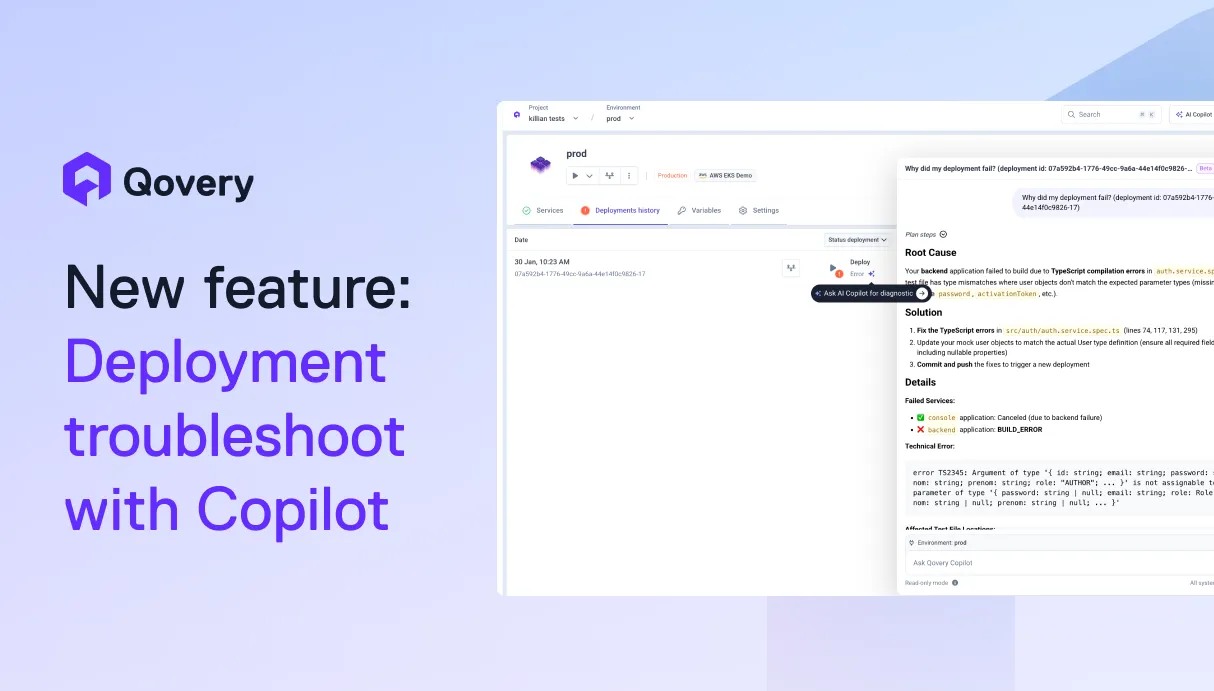
AI is helping developers write more code, faster than ever. But writing code is only half the story. What happens after? Building, deploying, debugging, scaling. That's where teams still lose hours.We're building Qovery for this era. Not just to deploy your code, but to make everything that comes after writing it just as fast.



In the 2026 regulatory landscape, manual audits are a liability. This guide explores using GitOps to generate DORA-compliant audit trails through IaC, drift detection, and automated segregation of duties. Discover how the Qovery management layer turns compliance into an architectural output, reducing manual overhead for CTOs and Senior Engineers.
Kubernetes success is determined by Day 2 execution, not Day 1 deployment. While migration is a bounded project, maintenance is an infinite loop that often consumes 40% of senior engineering capacity. To protect margins and velocity, enterprises must transition from manual toil to agentic automation that handles scaling, security, and cost.
Day-0 is planning, Day-1 is deployment, and Day-2 is the infinite lifecycle of maintenance. While Day-0/1 are foundational, Day-2 is where enterprise operational debt accumulates. At fleet scale (1,000+ clusters), managing these differences manually is impossible, requiring agentic automation to maintain stability and eliminate toil.

A multi-cluster Kubernetes architecture distributes application workloads across geographically separated clusters rather than a single environment. This strategy strictly isolates failure domains, ensures regional data compliance, and guarantees global high availability, but demands centralized Day-2 control to prevent exponential cloud costs and operational sprawl.


.webp)